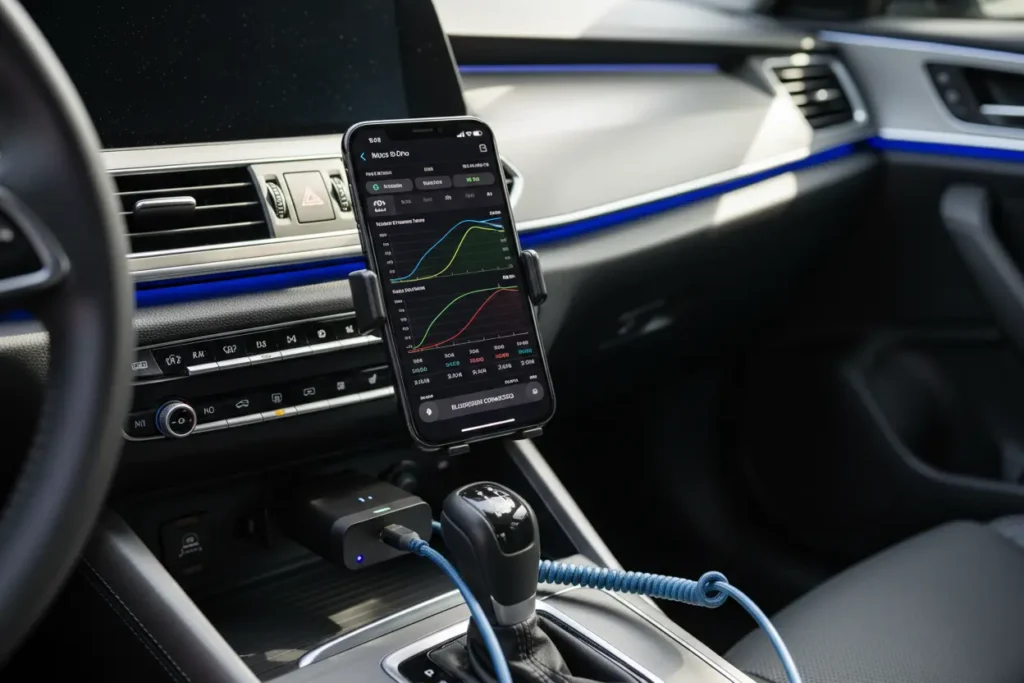
Have you ever wished you could understand what your car is trying to tell you? The days of mystery check engine lights are over! With the right tools, you can transform your iPhone into a powerful diagnostic device, putting automotive insights right at your fingertips.
We’re passionate about empowering every car enthusiast to take control of their vehicle’s health. Discover how a Bluetooth OBD2 scanner for iPhone can revolutionize your driving, offering peace of mind and saving you money.
Bluetooth OBD2 Scanner for iPhone: What It Is
When we talk about modern car maintenance, we are no longer just talking about wrenches and oil stains.
We have entered an era where your iPhone is just as important as your toolkit.
A Bluetooth OBD2 scanner is the bridge between your car’s brain and your smartphone.
Every car manufactured after 1996 in the US is equipped with an OBD-II port.
This port is the gateway to your vehicle’s On-Board Diagnostics system.
In the past, only professional mechanics with expensive, bulky equipment could access this data.
Now, we have these compact, wireless dongles that plug directly into that port.
They use Bluetooth Low Energy (BLE) technology to transmit data wirelessly to your iPhone.
This setup creates a powerful diagnostic suite that fits right in your pocket.
The core function of these devices is to read Diagnostic Trouble Codes (DTCs).
When your “Check Engine” light comes on, the car is trying to tell you something is wrong.
The scanner translates those cryptic signals into readable information on your screen.
But it is not just about identifying problems after they happen.
These scanners provide a live feed of what is happening under the hood in real-time.
They monitor everything from engine temperature to oxygen sensor levels.
We love how these devices have democratized car repair for the average driver.
You no longer have to feel helpless when a warning light appears on your dashboard.
With a Bluetooth scanner and an iPhone, you are finally in the driver’s seat of your car’s health.
Why Every iPhone User Needs an OBD2 Scanner
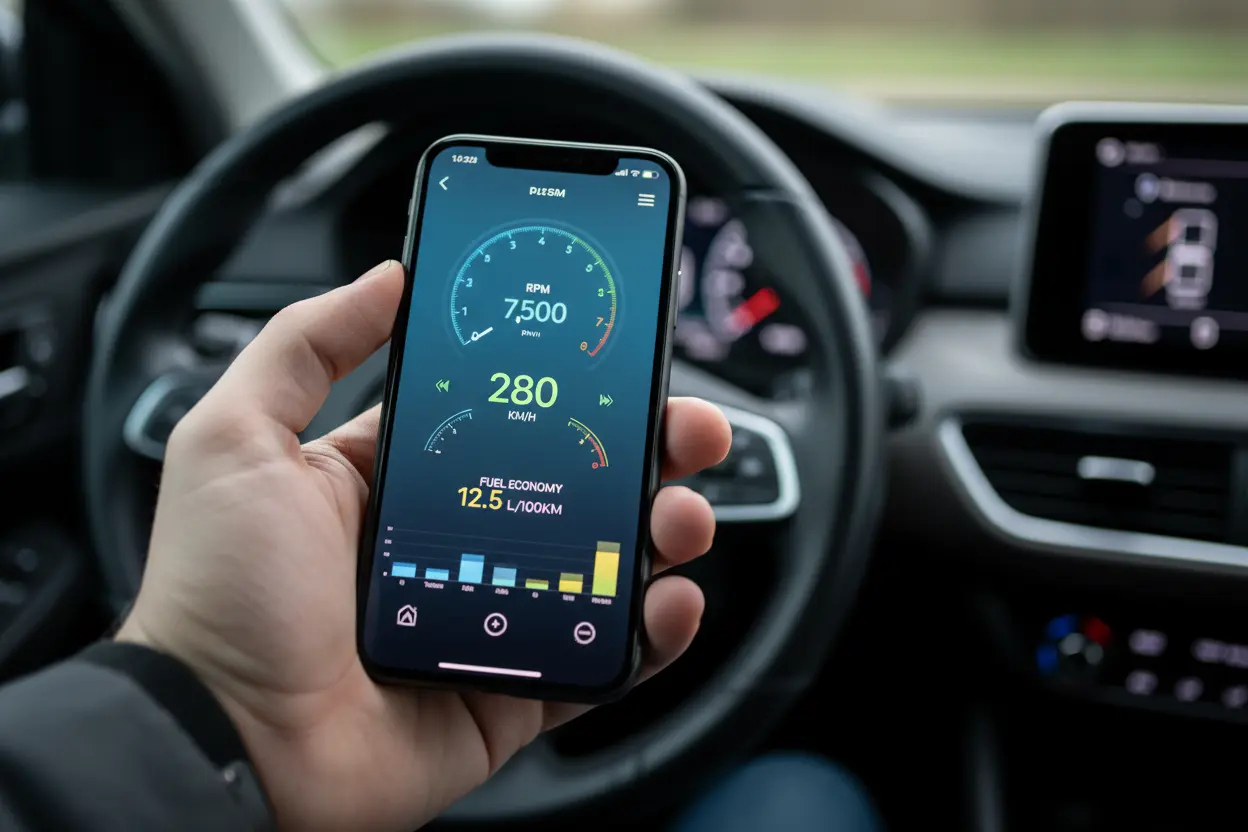
Owning an iPhone gives you access to some of the most polished diagnostic apps on the market.
Apps like OBD Fusion, Car Scanner ELM OBD2, and BlueDriver are designed for the iOS ecosystem.
They offer a seamless, intuitive experience that makes complex data easy to understand.
One of the biggest benefits we have found is the immediate cost savings.
A single trip to the mechanic just to “scan” a code can cost between $50 and $100.
A high-quality Bluetooth scanner often pays for itself the very first time you use it.
Beyond saving money, these scanners offer unparalleled convenience.
You can check your car’s status while sitting in your driveway or even at a red light.
There is no need to schedule an appointment just to find out you have a loose gas cap.
For the performance enthusiasts among us, real-time data monitoring is a game-changer.
You can track your fuel economy, engine RPM, and boost pressure as you drive.
This helps you understand how your driving habits affect your vehicle’s efficiency.
We also consider these scanners a vital safety tool for long road trips.
Knowing exactly why a light came on helps you decide if it is safe to keep driving.
It provides peace of mind that is truly priceless when you are far from home.
Finally, these devices help you stay ahead of emissions testing.
Many scanners can tell you if your car’s monitors are “ready” for a state inspection.
This prevents the frustration of failing a test and having to return for a re-test.

- Turn your iPhone, Android device, or Windows PC into a professional-grade diagnostic scan tool
- Recommended adapter for FORScan, Torque, BimmerCode, Dashcommand, AlfaOBD, Carista, and many more
- Enhanced OEM support for Ford, GM, Mazda, Nissan/Infiniti, Toyota/Lexus/Scion, Honda, Hyundai, Kia
Key Features to Look for in Your Scanner
Choosing the right scanner can feel overwhelming because the market is flooded with options.
However, we have identified a few non-negotiable features you should prioritize.
The first is iOS Compatibility, as not all Bluetooth scanners play nice with Apple devices.
Look specifically for scanners that support Bluetooth 4.0 or 5.0 (BLE).
Older Bluetooth versions often require “jailbreaking” or complex workarounds to work with iPhones.
Modern BLE scanners connect instantly without needing to enter a pairing code in your settings.
Another critical factor is the range of supported protocols.
A good scanner should support all five OBD-II protocols used in the United States.
This ensures it will work whether you drive a Ford, a Toyota, or a European luxury car.
The quality of the companion app is just as important as the hardware itself.
Some scanners come with a dedicated app, while others work with third-party software.
We prefer apps that offer “Freeze Frame” data, which shows car conditions at the exact moment a fault occurred.
Update frequency is a detail that many buyers often overlook.
The automotive industry is constantly changing, and software needs to keep up.
Choose a brand known for regular firmware updates to ensure long-term reliability.
Lastly, never underestimate the power of user reviews and community support.
Check forums and app store ratings to see how the scanner performs in the real world.
A scanner with a large user base usually has better troubleshooting guides and community tips.
Top Bluetooth OBD2 Scanners for iPhone Reviewed
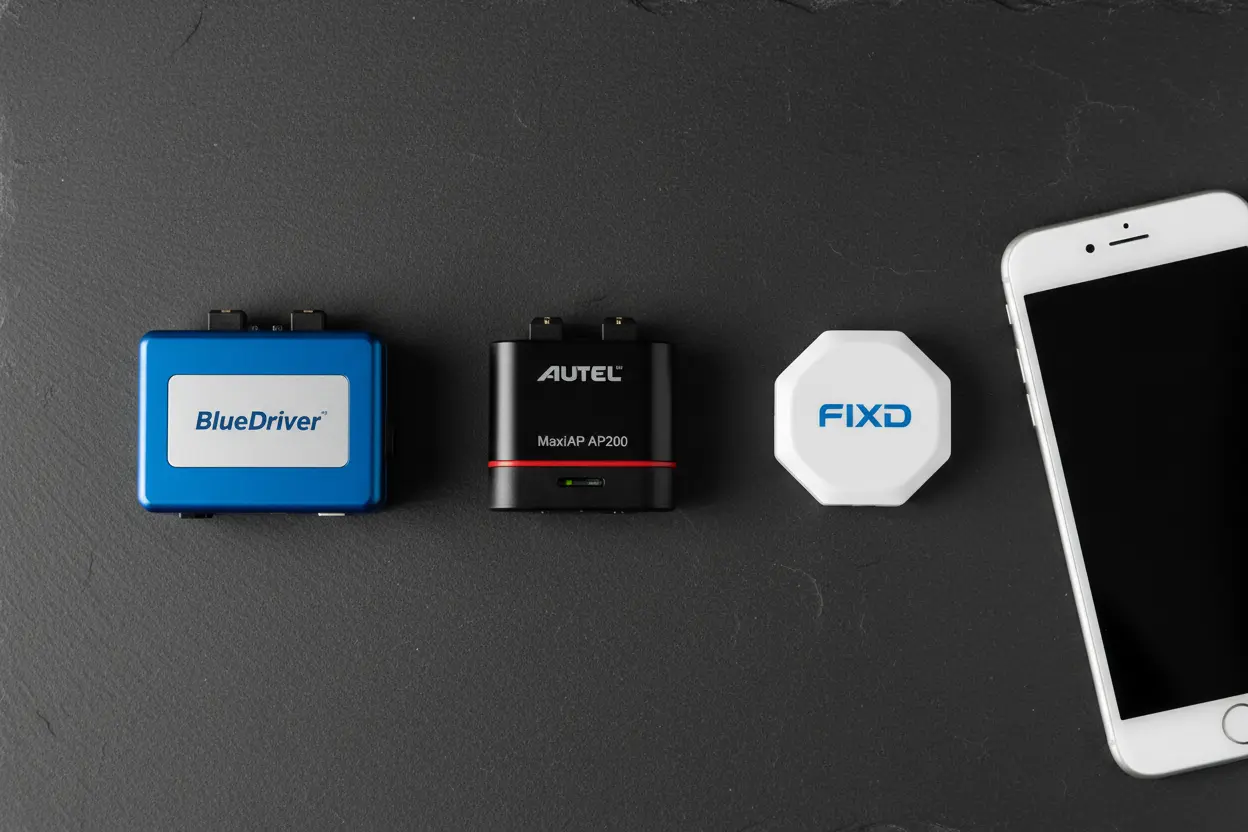
We have tested several devices to find the best options for different types of users.
The BlueDriver Bluetooth Pro remains our top pick for most iPhone users.
It is an all-in-one solution that includes a highly-rated, free app with professional features.
For those on a budget, the Veepeak OBDCheck BLE+ is an incredible value.
It is highly compatible with a wide variety of third-party apps like LeafSpy or BimmerCode.
This makes it a favorite for enthusiasts who want to “code” or customize their car’s settings.
If you want the fastest data transfer speeds, the OBDLink MX+ is the gold standard.
It is significantly faster than cheaper models, making it ideal for high-speed data logging.
It also supports enhanced diagnostics for specific brands like Ford, GM, and Toyota.
| Feature | BlueDriver Pro | Veepeak BLE+ | OBDLink MX+ |
|---|---|---|---|
| Best For | Ease of Use | Budget/Coding | Performance |
| App Included | Yes (Excellent) | No (Third-party) | Yes (Very Good) |
| Data Speed | Moderate | Moderate | High Speed |
| Enhanced Codes | Yes | Limited | Yes (Extensive) |
The BlueDriver is perfect for the “set it and forget it” user who wants clear answers.
Its “Repair Reports” suggest the most likely fixes for specific codes based on millions of repairs.
This feature alone can save you hours of searching on Google or YouTube.
The Veepeak shines because of its versatility with specialized diagnostic software.
If you own a BMW or a Volkswagen and want to change hidden settings, this is your tool.
It is a reliable, “no-frills” dongle that simply gets the job done at a low price.
The OBDLink MX+ is for the data-hungry driver who wants every possible metric.
It features hacker-proof security and won’t drain your battery if left plugged in.
We highly recommend it for professional DIYers and track day enthusiasts.

- [Easy OBD2 Bluetooth Scanner, Complete Car Insights] Enjoy peace of mind with our comprehensive vehicle health check. Fr…
- [6 Essential Maintenance Functions] Take your vehicle maintenance to the next level with CarPal. This advanced diagnosti…
- [Advanced Care, Save Time and Money] The Battery Test feature monitors real-time voltage and tracks battery performance …
How to Connect and Use Your Scanner with iPhone
Setting up your new scanner is a straightforward process, but there are a few tricks.
First, locate your OBD-II port, which is usually under the dashboard on the driver’s side.
Plug the scanner in firmly; you should see a light indicating it has power.
Turn your vehicle’s ignition to the “On” position or start the engine.
On your iPhone, ensure that Bluetooth is enabled in your settings menu.
Pro Tip: Do not try to pair the device through the iPhone’s Bluetooth settings menu.
Open your chosen diagnostic app (like BlueDriver or OBD Fusion) first.
Go to the “Settings” or “Connection” section within the app itself.
Select “Bluetooth LE” as the connection type and choose your scanner from the list.
Once connected, we recommend running a “Full System Scan” immediately.
The app will communicate with your car’s computer to check for any stored codes.
If codes are found, the app will display a combination of letters and numbers (e.g., P0420).
To clear a “Check Engine” light, simply select the “Clear Codes” option in the app.
Be aware that this will not “fix” the underlying problem; it only turns off the light.
If the issue persists, the car’s computer will trigger the light again after a few miles.
We suggest exploring the “Live Data” feature once you are comfortable with the basics.
You can create custom dashboards to see the information that matters most to you.
It is a great way to learn how your car behaves during different driving conditions.
Maximizing Your Scanner’s Potential: Advanced Tips
Once you have mastered the basics, you can use your scanner for much more than reading codes.
One advanced use is Performance Logging, which records data during a drive.
You can review this data later to identify intermittent issues that don’t trigger a code.
We also love using these scanners to create Custom Virtual Dashboards.
If your car lacks a temperature gauge or a boost gauge, your iPhone can become one.
You can mount your phone on the dash and have a high-tech display for all your vitals.
Understanding Mode $06 Data is another way to take your diagnostics to the next level.
This data shows the results of self-tests the car performs on various components.
It can often reveal a failing sensor before it actually triggers a “Check Engine” light.
For those buying a used car, a Bluetooth scanner is an essential inspection tool.
You can check if the seller recently cleared codes to hide a persistent engine problem.
Look for the “Distance Since Codes Cleared” metric to see the car’s true history.
You can also monitor Fuel Trims to diagnose complex vacuum leaks or fuel issues.
Short-term and long-term fuel trims tell you if the engine is running “lean” or “rich.”
This level of insight was once reserved for master technicians with thousands of dollars in gear.
Finally, remember that the app you choose defines your experience.
Don’t be afraid to try different apps to find the interface that suits your style.
Your iPhone and a Bluetooth OBD2 scanner are a powerful duo that keeps your car running strong.
Drive Smarter, Not Harder!
Embrace the future of car care by integrating a Bluetooth OBD2 scanner for iPhone into your automotive toolkit. It’s more than just a gadget; it’s your personal mechanic, always ready to provide insights and empower you with knowledge about your vehicle’s health. We believe in making car maintenance accessible and understandable for everyone.
Ready to take control? Share your experiences with OBD2 scanners in the comments below, or tell us which model you’re excited to try next! Let’s keep the conversation going and help each other navigate the road ahead.
FAQ – Common Questions About Bluetooth OBD2 Scanners for iPhone
We’ve compiled the most frequent questions we receive from fellow enthusiasts to help you get the most out of your Bluetooth OBD2 scanner for iPhone.
Most scanners are compatible with all gas-powered vehicles sold in the US from 1996 onwards and diesel vehicles from 2004. We always recommend double-checking your specific vehicle’s protocol support before purchasing to ensure a Bluetooth OBD2 scanner for iPhone works perfectly with your ride.
While many devices come with a free basic app, some advanced diagnostic features or custom dashboards might require a one-time purchase or a subscription. We’ve found that several excellent free apps provide more than enough data for most DIY enthusiasts to monitor their car’s health.
We generally suggest unplugging the device if you aren’t planning to drive for several days, as some models can cause a slight battery drain. However, many modern Bluetooth OBD2 scanners for iPhone now feature an “auto-sleep” mode designed specifically to prevent your battery from dying while the car is off.
Yes, you can use a Bluetooth OBD2 scanner for iPhone to read the error code and reset the light once the issue is addressed. Just remember that clearing the code doesn’t fix the mechanical problem; if the underlying fault remains, the light will eventually turn back on.
We prefer Bluetooth (specifically 4.0 or LE) because it allows your iPhone to maintain its cellular data connection while connected to the scanner. Wi-Fi scanners often “take over” your connection, making it difficult to search for repair tips or use GPS while you are monitoring live engine data.